
Prerequisites
Before you start using WeryAI API, you need to complete the following setup:1. Register and Create API Key
Visit WeryAI API Keys Management to: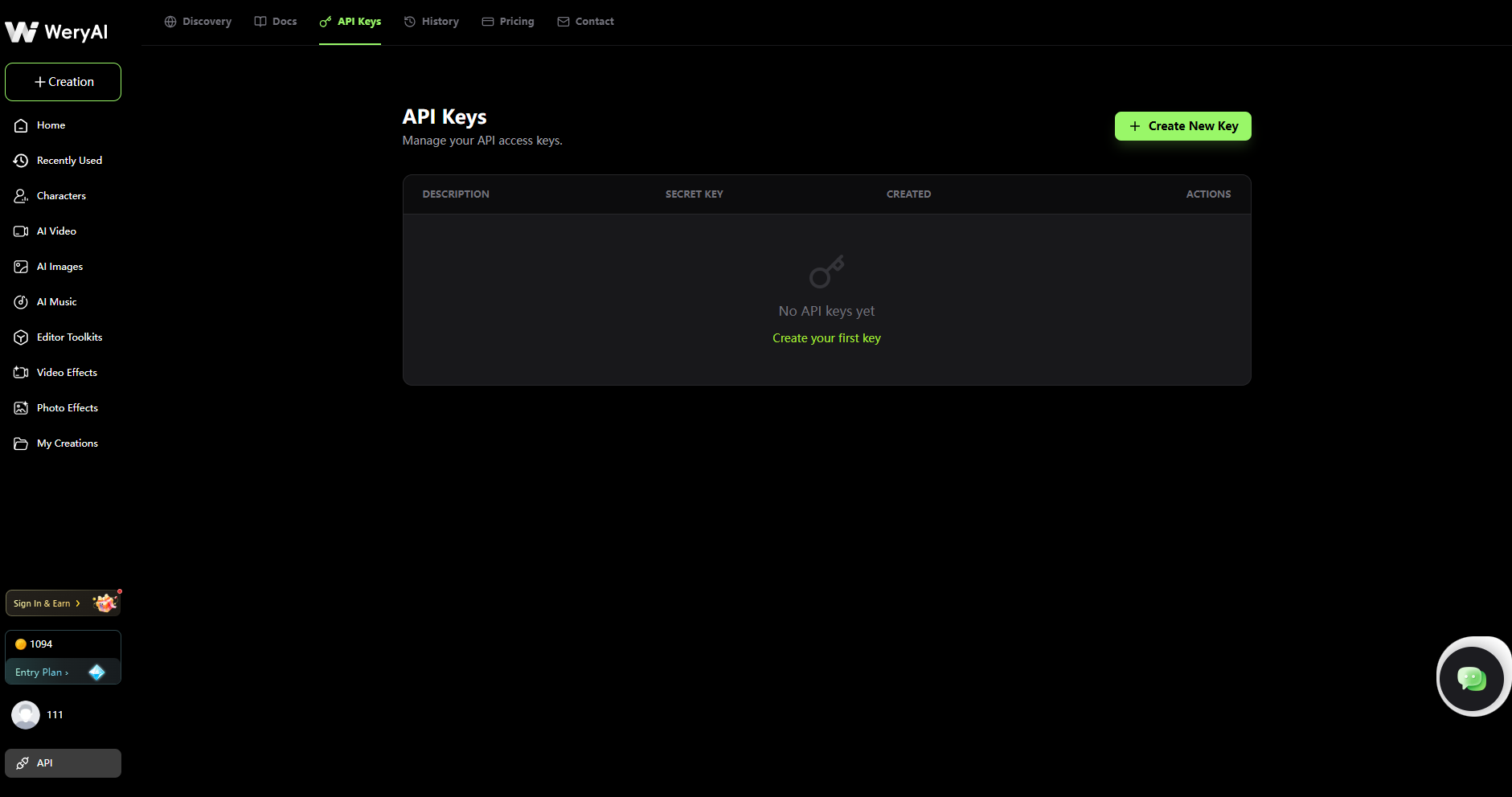
1
Register or Login
If you don’t have an account yet, register for a WeryAI account
2
Create API Key
On the API Keys page, click the “Create New Key” button to generate your API Key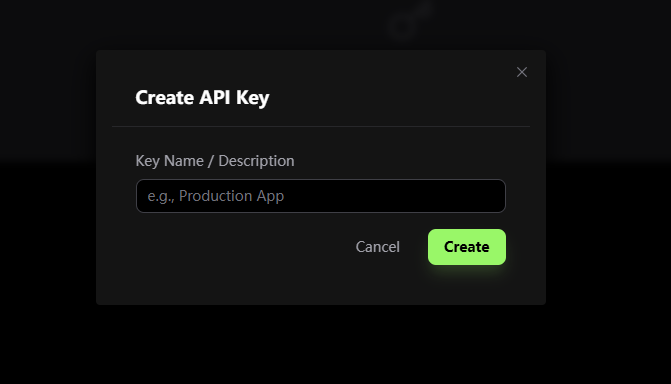
3
Copy and Save Key
Copy the generated API key and save it securely (key format like: 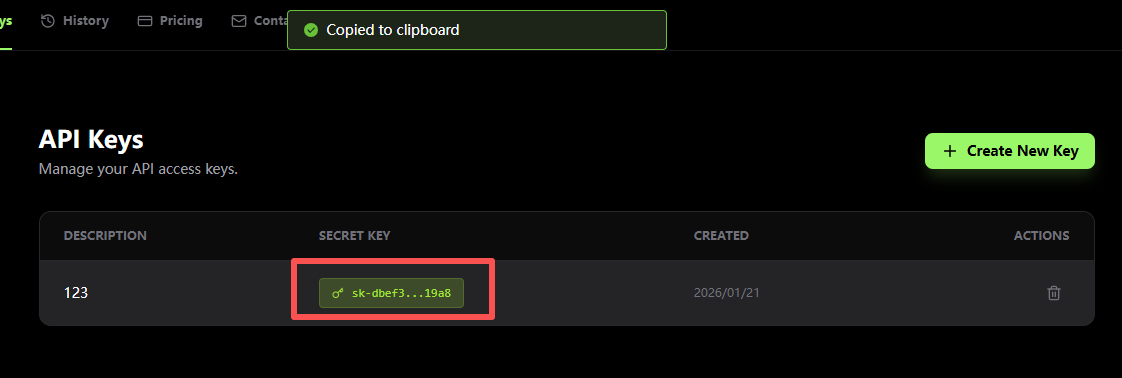
sk-d77e1...343e)2. Purchase Credits
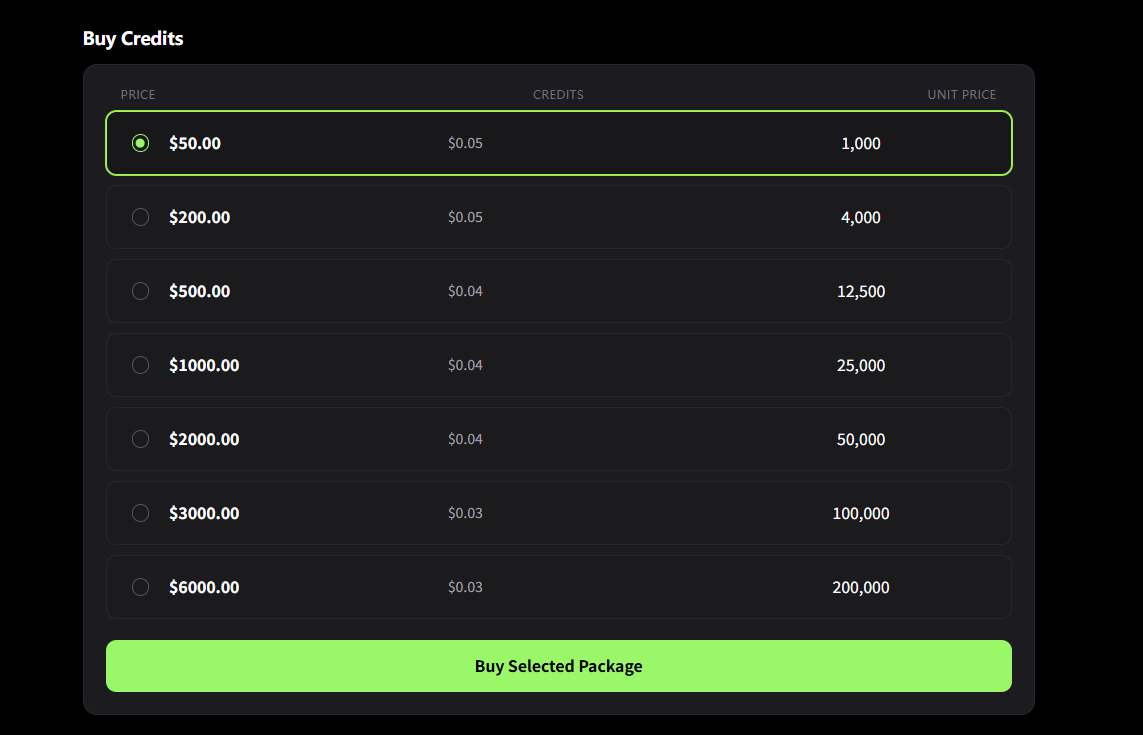
Visit the Pricing page to purchase credits: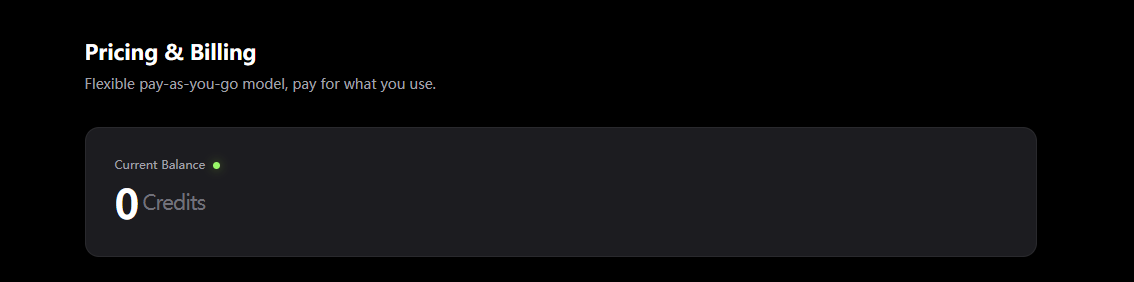
- Check your current account balance
- Choose a suitable recharge package (6000.00 multiple tiers)
- After payment, credits will be added to your account immediately
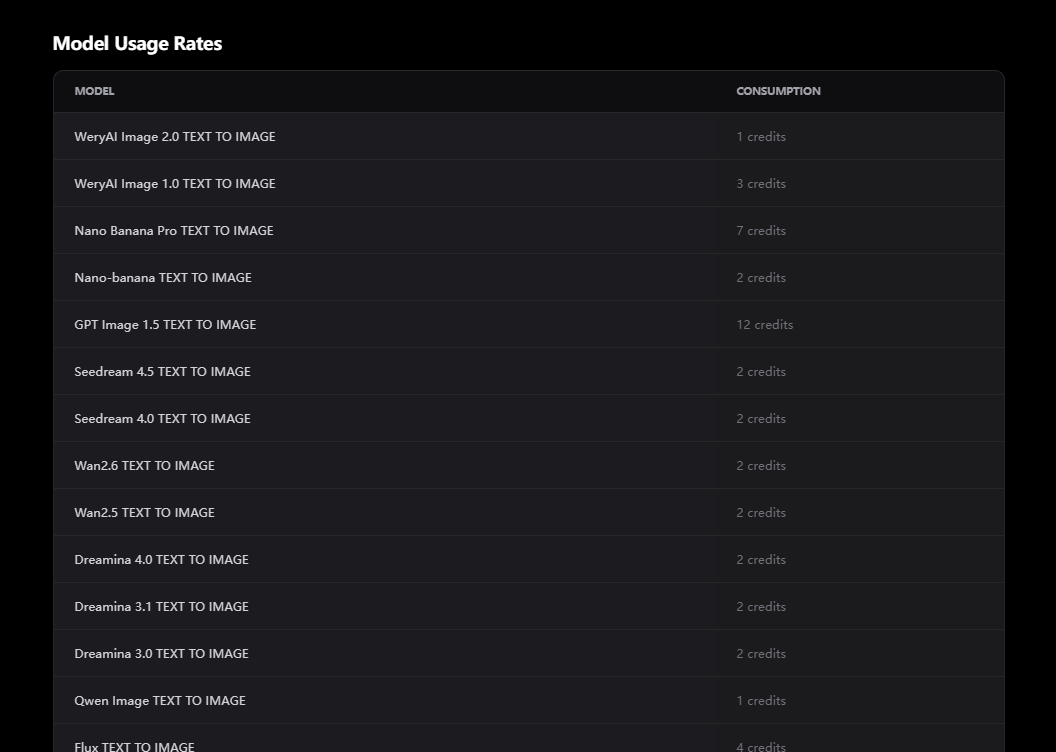
Different AI models consume different amounts of credits. You can view the detailed model consumption rate table on the pricing page.
Authentication
All API requests require authentication using your API key in theAuthorization header:
YOUR_API_KEY with the actual key you created on the API Keys page.
Your First Request
Let’s generate your first image using the text-to-image API:Response
The API will return a response containingbatch_id and task_ids:
Query Task Status
Since generation tasks are processed asynchronously, use the task ID to query the status:Success Response
When the task completes, you’ll receive the generated images:Using Webhooks
You can provide awebhook_url to automatically receive results instead of polling:
Task Status
Tasks can have the following statuses:- waiting - Task is waiting to be processed
- processing - Task is being generated
- succeed - Task completed successfully
- failed - Task failed (check the
msgfield for error details)
View Call History
You can view all API call records on the Call History page: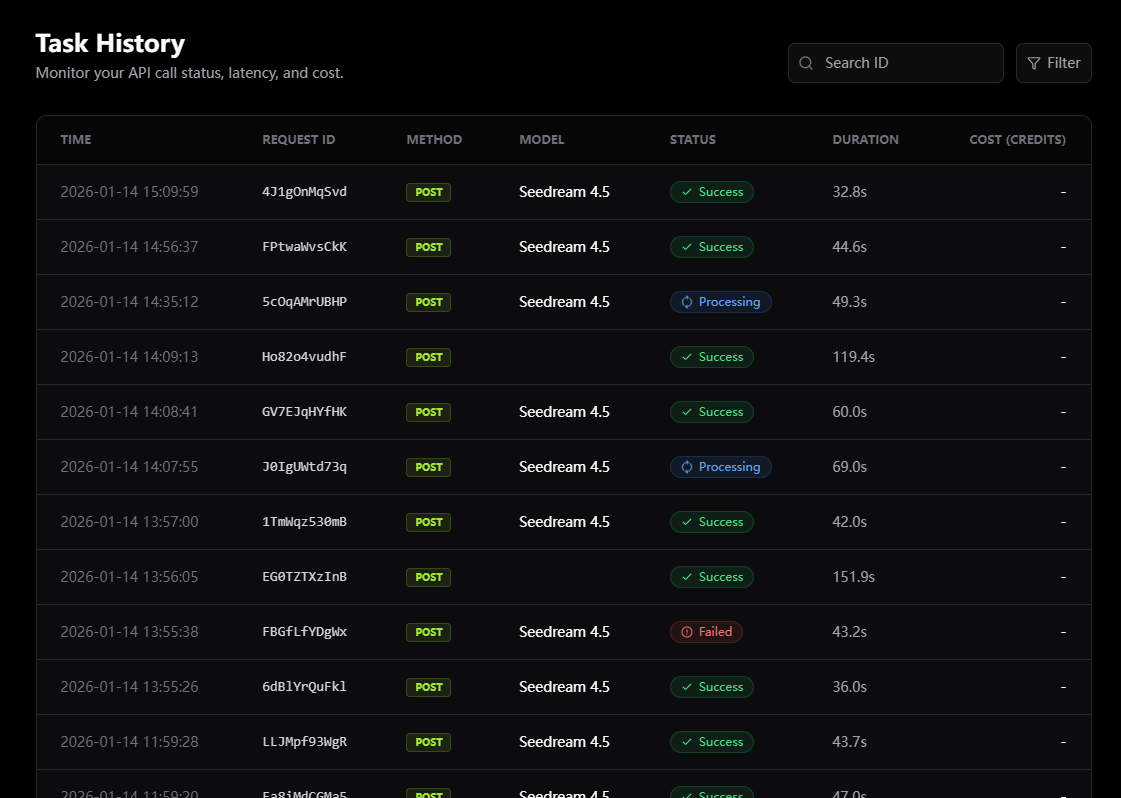
- View detailed information for each request
- Search for specific requests by request ID
- View request method, path, status code, and duration
- Convenient for debugging and tracking issues
Next Steps
API Reference
Explore all available endpoints and parameters
Development Guide
Learn best practices and advanced features
Generate Videos
Create stunning videos with AI
View Pricing
Learn about model consumption and purchase credits
FAQ
401 Authentication Failed Error
401 Authentication Failed Error
Check if your API key is correct and properly formatted in the Authorization header. You can view or recreate keys on the API Keys page.
Task Stuck in waiting Status
Task Stuck in waiting Status
Peak times may cause delays. Tasks usually start processing within a few minutes. You can view request details on the Call History page.
Task Failed Content Moderation
Task Failed Content Moderation
Your prompt may violate content policies. Please review and modify your prompt to avoid sensitive or inappropriate content.
How to Check Credit Balance?
How to Check Credit Balance?
Visit the Pricing page to view your current account credit balance and purchase more credits.
How Many Credits Do Different Models Consume?
How Many Credits Do Different Models Consume?
On the Pricing page, scroll down to see the “Model Consumption Rate” table, which lists all models and their credit consumption.
Need help? Visit WeryAI website to contact our support team.